The popular streaming app Stremio has been removed from the Google Play Store, as reported by TROYPOINT. This removal affects users who install or update the app through Google’s official marketplace. While the exact reasons for the removal remain unclear, this development is significant for Firestick and Android TV users who rely on Stremio for streaming content.
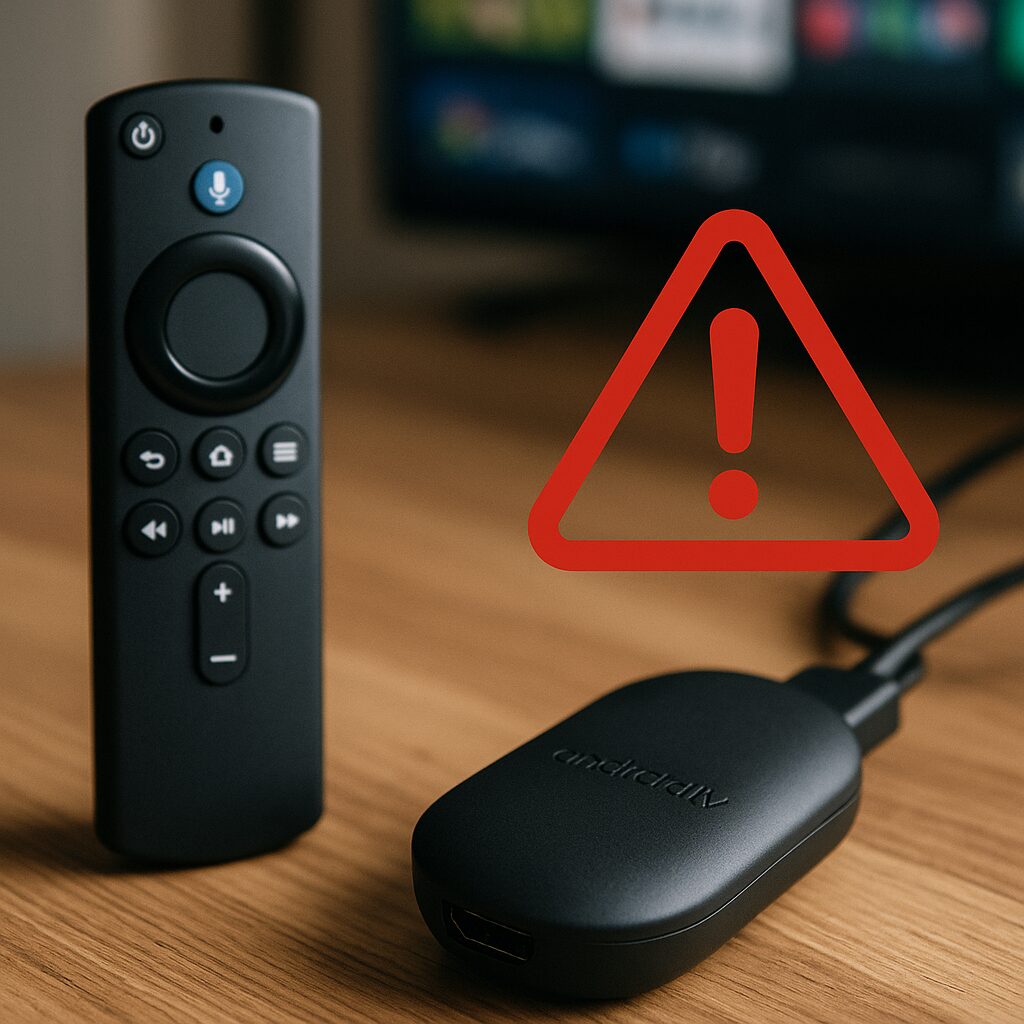
Key Takeaways
- Stremio app is no longer available on the Google Play Store.
- The removal affects installation and updates for users relying on Google Play.
- The exact cause and duration of the removal have not been disclosed.
- Users with the app already installed may or may not experience functionality issues.
- Alternative installation methods may be needed but should be approached cautiously.
- This event highlights the ongoing challenges streaming apps face regarding app store policies.
- Firestick and Android TV users should stay informed about official updates from Stremio.
What This Means for Firestick & Android TV Users
For users of Amazon Firestick, Fire TV, and Android TV devices, the removal of Stremio from the Google Play Store means that new users cannot download the app directly from the official store. Additionally, existing users may not receive automatic updates, which could affect app performance or security over time.
Since Firestick and many Android TV devices rely heavily on Google Play for app management, this removal complicates the user experience. Those who want to continue using Stremio might need to consider sideloading the app, which involves manually installing the APK file. However, sideloading carries risks such as installing outdated or tampered versions, so users should only obtain the app from trusted sources.
This situation also underscores the importance of monitoring app availability and updates, as streaming apps can face removal due to policy changes, copyright concerns, or other compliance issues.
What You Should Do Now
- Check if Stremio is still installed: If you already have the app on your device, continue using it but be aware that updates may not be available.
- Visit the official Stremio website: For the latest information and safe download options, always use official channels.
- Avoid unofficial or third-party app stores: These can expose your device to security risks and unstable app versions.
- Consider alternative streaming apps: If Stremio becomes unavailable or unreliable, explore other reputable streaming platforms compatible with your device.
- Stay informed: Follow trusted streaming news sources to get updates on app availability and policy changes.
What We Know vs What’s Still Unclear
| Confirmed | Unclear |
|---|---|
| Stremio app has been removed from Google Play Store. | Reasons behind the removal. |
| Removal impacts installation and updates via Google Play. | Whether the removal is temporary or permanent. |
| Users with the app installed might still use it. | Official statements from Stremio or Google. |
| No official alternative distribution method announced. | Effect on app functionality on existing devices. |
FAQ
Is Stremio still usable on my Firestick or Android TV?
If you already have Stremio installed, you can likely continue using it. However, without updates from the Google Play Store, the app might face performance or security issues over time.
Can I sideload Stremio safely?
Sideloading is an option but should be done cautiously. Only download the APK from the official Stremio website or other trusted sources to avoid security risks.
Why was Stremio removed from Google Play?
The specific reasons have not been publicly disclosed. App removals can result from policy violations, copyright issues, or other compliance matters.
Will Stremio return to Google Play Store?
There is no confirmed information about a return. Users should monitor official channels for updates.
What are good alternatives to Stremio?
Depending on your streaming needs, apps like Plex, Kodi, or official streaming service apps can serve as alternatives. Always choose apps from reputable sources.
Recommended by Doc Squiffy
Protect Your Streaming Privacy with IPVanish
A VPN can help protect your privacy by encrypting your connection and hiding your IP address from apps, websites, and your ISP.
Use any VPN responsibly and within the law.
- Helps keep your connection private on public Wi-Fi
- Reduces ISP tracking of your browsing activity
- Useful for general privacy & security
Note: A VPN is for privacy and security — not for accessing illegal or unlicensed streams.