Key Takeaways
- Google has rolled out a significant feature update to discontinued Chromecast models.
- This update enhances streaming capabilities and device security, benefiting users who still rely on older Chromecast devices.
- Firestick and Android TV users can learn from these improvements to optimise their own streaming setups.
- Applying software updates and practising strong privacy measures remain essential for all streaming devices.
- Using a reputable VPN adds an extra layer of online privacy and security when streaming.
Introduction: Why This Chromecast Update Matters for Streamers
For many streaming enthusiasts in the UK and US, Chromecast devices have been a reliable way to bring content from mobile or desktop apps to their TVs. Even though Google discontinued certain Chromecast models years ago, these devices remain popular. Recently, Google surprised users by delivering a substantial feature update to these discontinued Chromecast units, improving streaming experiences and device security. This development is particularly relevant for Firestick and Android TV users, as it highlights the importance of keeping streaming devices current and secure.
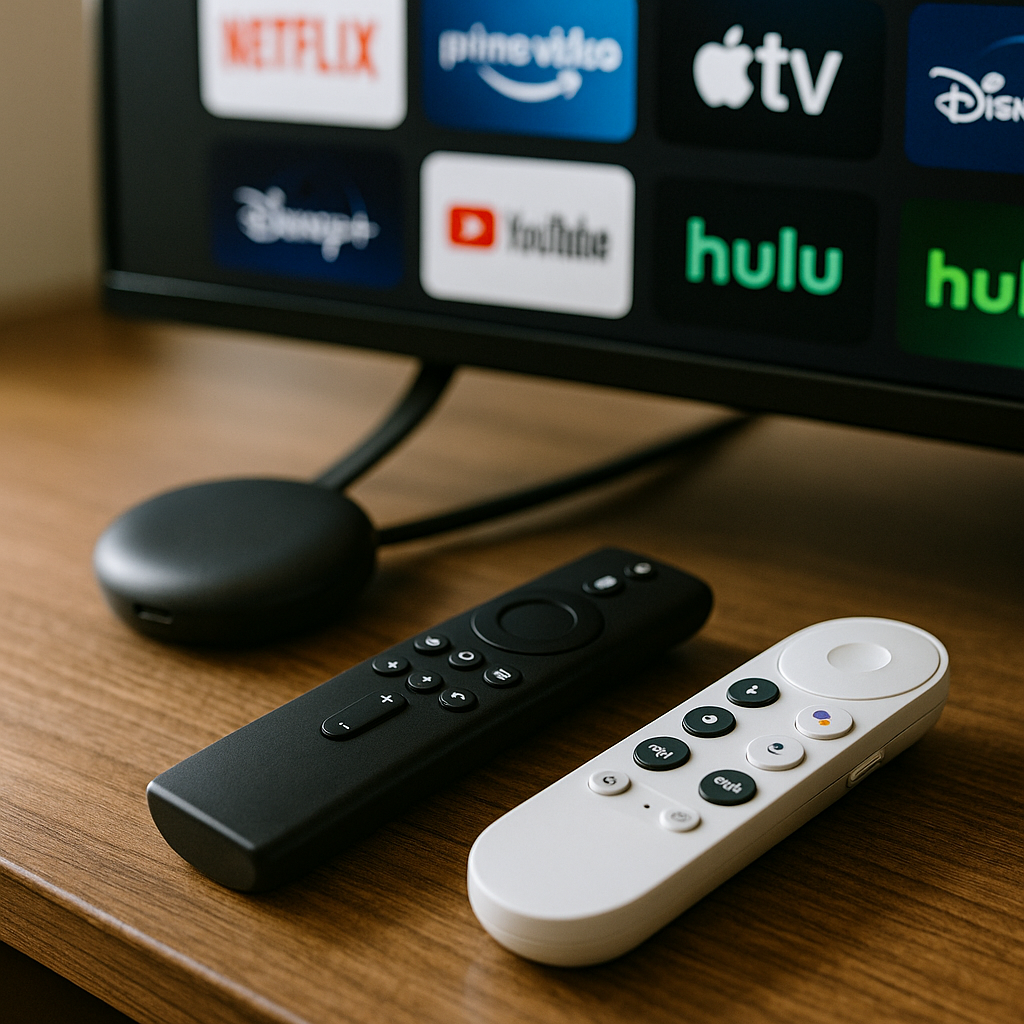
What Has Changed with the Discontinued Chromecast?
Google’s update to older Chromecast models includes enhancements that were previously only available on newer devices. While the update does not introduce entirely new hardware capabilities, it significantly improves software performance, streaming stability, and security protocols. Key improvements include:
- Enhanced video codec support for smoother playback on various streaming platforms.
- Improved network handling to reduce buffering and connection drops.
- Security patches that address vulnerabilities, protecting user data and preventing unauthorized access.
- Optimised integration with Google’s ecosystem, including better compatibility with Google TV features.
These updates breathe new life into devices many users assumed were obsolete, extending their usefulness and offering a better streaming experience without additional hardware investment.
What This Means for Firestick & Android TV Users
While this update directly targets Chromecast devices, Firestick and Android TV users can draw valuable lessons:
- Device Longevity: Even discontinued or older streaming devices can benefit from software updates that improve performance and security, so regularly checking for updates is crucial.
- Security Matters: Streaming devices are increasingly targeted by cyber threats. Ensuring your Firestick or Android TV is running the latest firmware helps protect your personal data.
- Streaming Quality: Optimisations in codec support and network handling can significantly improve your viewing experience, especially on devices with limited hardware power.
- Platform Ecosystem: Integration with broader ecosystems (like Google TV for Chromecast or Amazon services for Firestick) evolves over time, and keeping devices updated ensures access to the latest features.
For instance, Firestick users who have experienced buffering or app crashes might find that updating their device firmware or apps resolves these issues, similar to the Chromecast improvements.
What You Should Do Now: Practical Steps for Streaming Users
Regardless of your device, taking proactive steps can enhance your streaming experience and security:
- Check for Updates: Regularly update your Firestick, Android TV, or Chromecast devices. Navigate to the settings menu and look for system or software updates.
- Update Streaming Apps: Keep your apps current to benefit from bug fixes, improved codecs, and security patches.
- Secure Your Network: Use strong Wi-Fi passwords and consider setting up a guest network for visitors to protect your main network.
- Consider a VPN: While streaming content legally, a reputable VPN can enhance your privacy by encrypting your internet traffic and safeguarding your data from potential snooping.
- Review Privacy Settings: Adjust device and app settings to limit data sharing and tracking where possible.
- Restart Devices Periodically: Simple restarts can resolve temporary glitches and improve performance.
By following these steps, you ensure your streaming setup is optimised for both performance and security.
Before vs After: The Impact of the Chromecast Update
Before the update, users of discontinued Chromecast models often faced limitations such as stuttering video playback, outdated security protocols, and incompatibility with newer streaming app features. After the update, many report smoother streaming, reduced buffering, and stronger security protections. This contrast highlights how software updates can extend device lifespan and user satisfaction without new hardware purchases.
Conclusion
Google’s decision to update discontinued Chromecast devices is a reminder to streaming users everywhere—whether on Firestick, Android TV, or Chromecast—that maintaining software currency is vital. These improvements not only enhance streaming performance but also safeguard your digital privacy and security. Stay vigilant with updates, secure your network, and consider privacy tools like VPNs to enjoy the best possible streaming experience in 2024 and beyond.
Recommended by Doc Squiffy
Protect Your Streaming Privacy with IPVanish
A VPN helps protect your privacy by encrypting your connection and hiding your IP address from apps and websites.
Use any VPN responsibly and within the law.
A VPN is for privacy and security — not for accessing illegal or unlicensed streams.